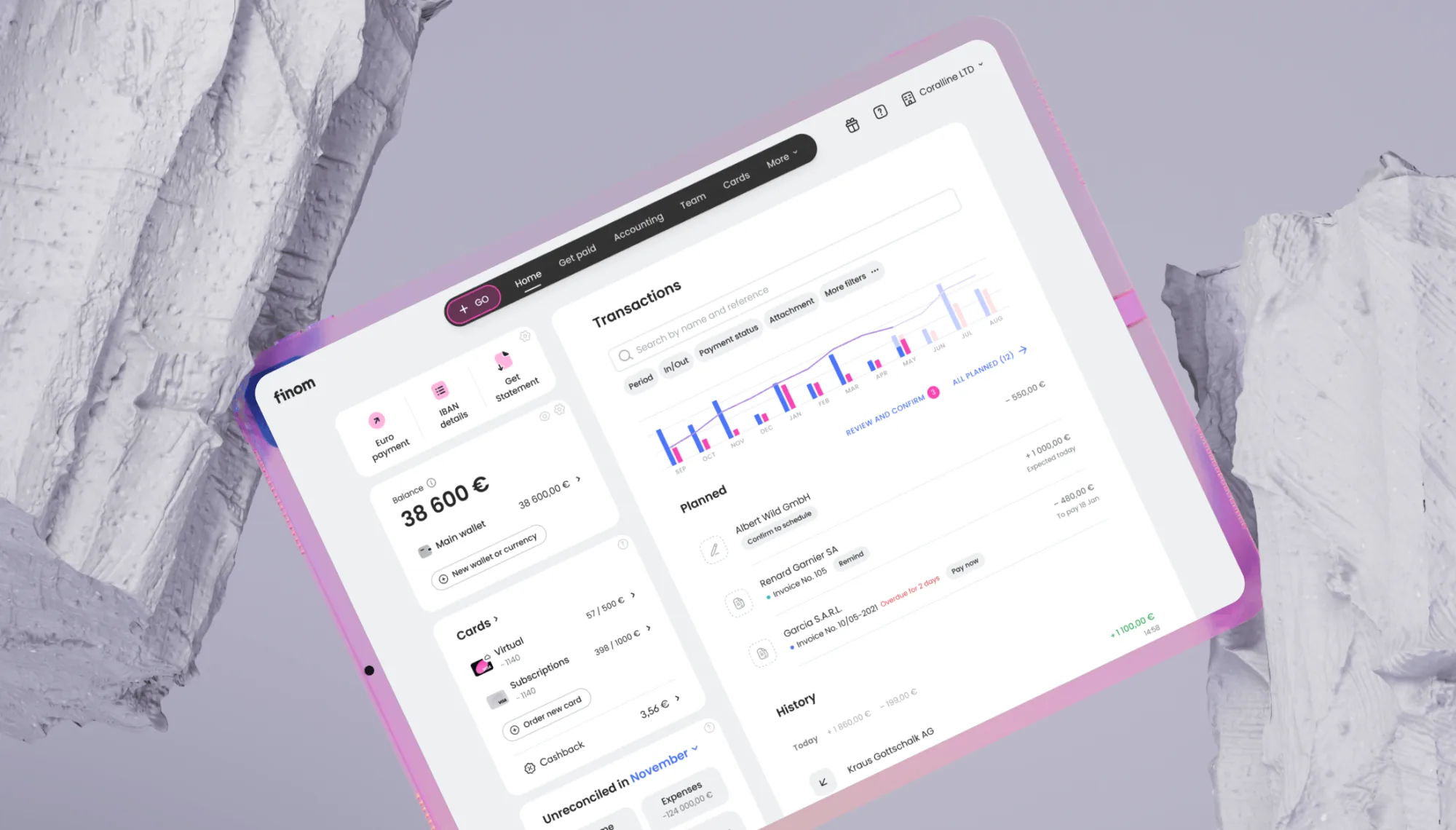
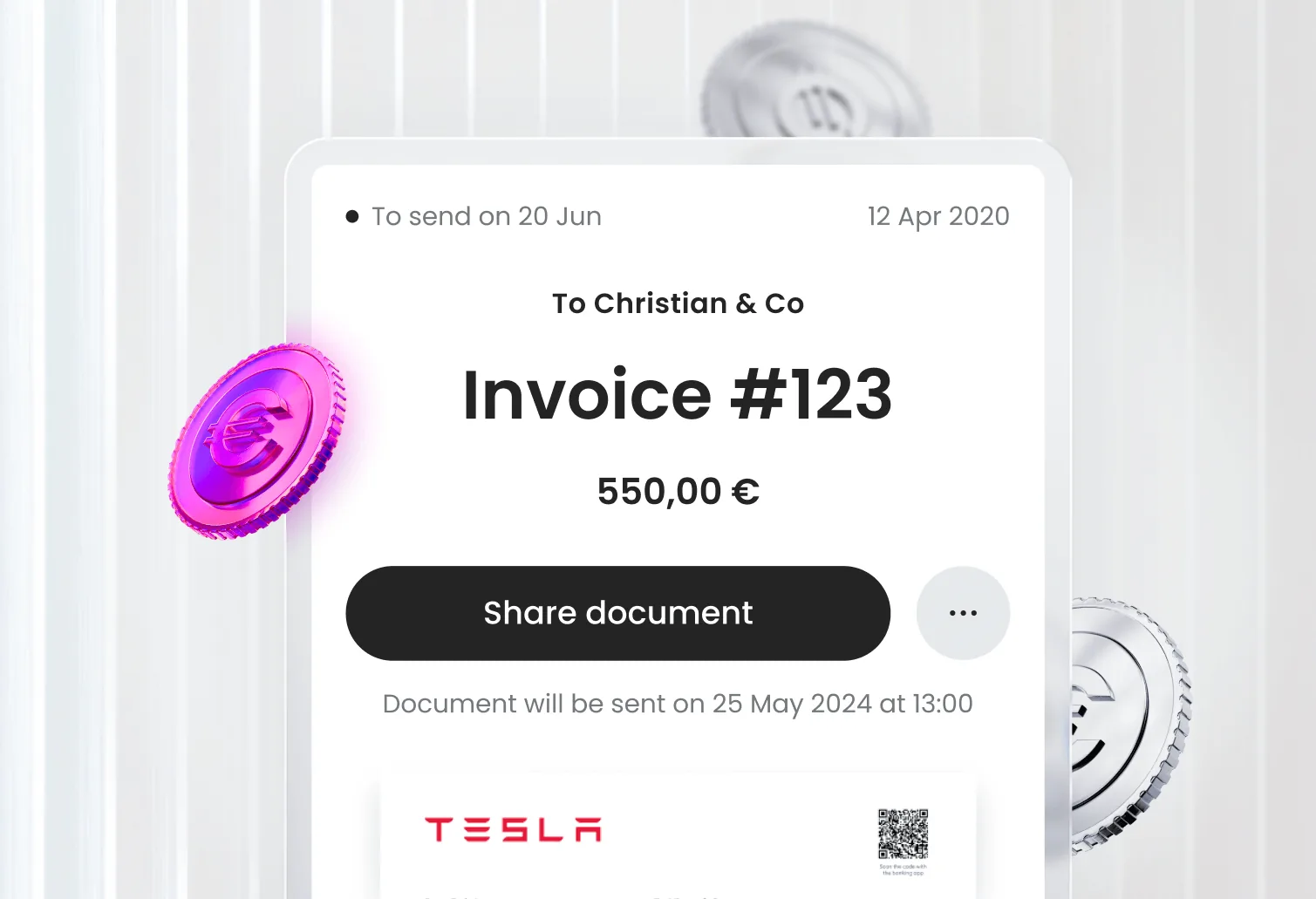
Deadlines and reporting
A calendar tailored to the customer profile, plus preparing and submitting reports directly in the tax authority.
AI Accounting is built around an AI assistant and a different interaction model: the user does not need to figure accounting out alone. The product surfaces priorities, explains what matters, and gives a straightforward path to the outcome.
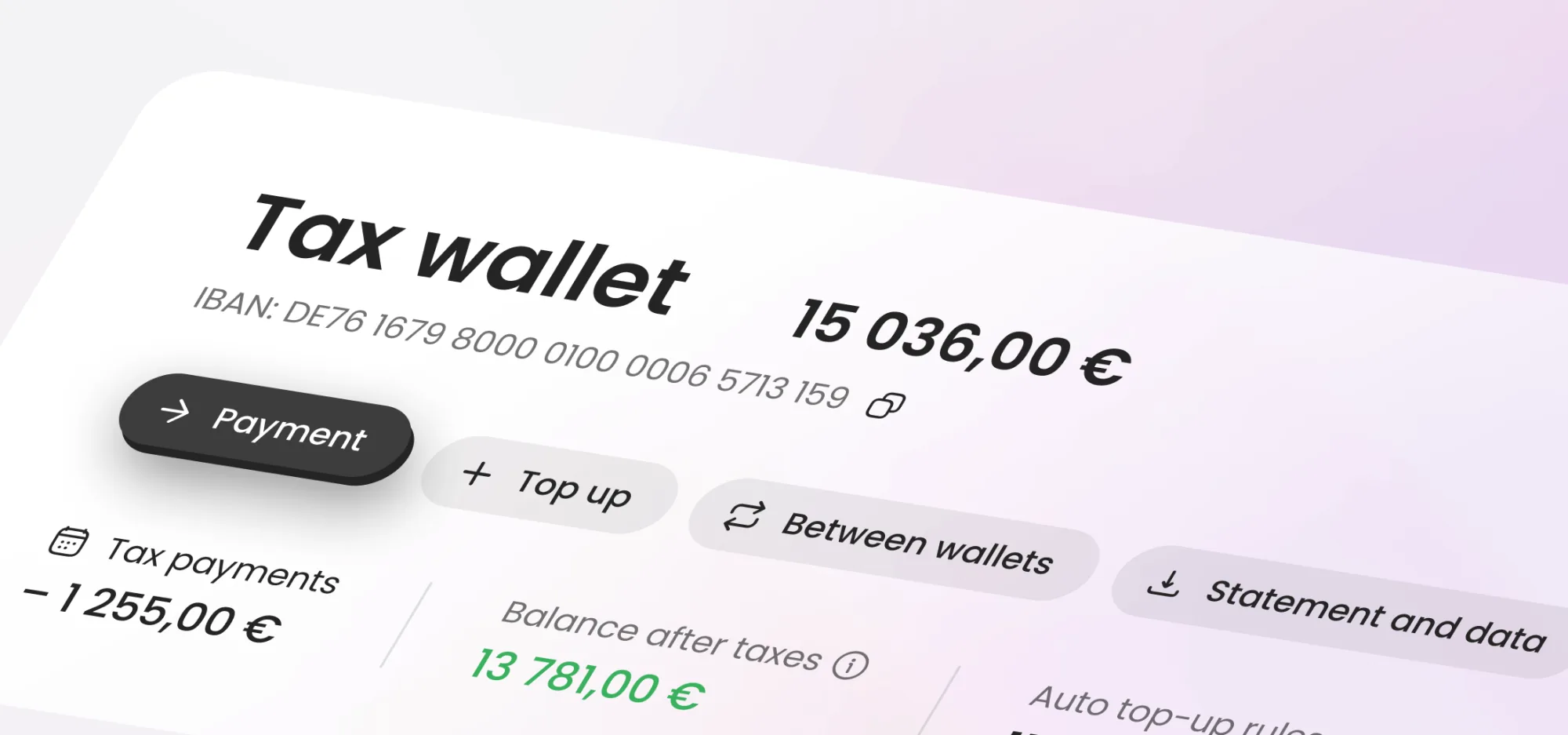
Instead of "figuring accounting out on your own", the user gets proactive recommendations, clear priorities, and a product that makes the next step obvious.
The core promise is simple: keep accounting logic inside the system, and expose only the parts a non-accountant needs to understand and confirm.
Make accounting manageable for people without professional accounting education.
The product should guide, not overwhelm.
Video walkthroughThe AI assistant in action - auto-categorisation, deadline tracking, and missing document alerts, showing how the product guides a non-accountant through monthly reporting.
A calendar tailored to the customer profile, plus preparing and submitting reports directly in the tax authority.
The tax amount is calculated from reports and data already in the system, so users see what is due without reconstructing the logic themselves.
Transactions are categorised, VAT is checked, and the assistant manages the dataset toward a ready state. Missing documents are flagged before they become a problem.
My primary focus was ensuring AI Accounting felt like a natural part of the user's daily financial workflow - not a separate tool they had to switch into. I worked across business scenarios to identify where accounting context should surface proactively, and where it should stay out of the way.
I reviewed every screen and flow with one question in mind: would a business owner without accounting knowledge understand what just happened and what to do next? This shaped how we exposed AI decisions, surfaced missing data, and communicated system actions back to the user.
I led design across the full delivery cycle - from early concepts through developer handoff and market launch - maintaining coherence across the product and keeping the team aligned on the core experience principles.
The system turns accounting rules into clear priorities and next actions.
The user stays focused on what is blocked, what is ready, and what needs confirmation.
Statuses and explanations help users verify progress instead of guessing what already happened.
Reporting, taxes, and preparation feel connected instead of fragmented across separate tools.
AI Accounting launched as a net-new product - accounting and reporting had not existed in Finom before. The assistant made complex financial workflows accessible to SMB owners without accounting expertise, and became a standalone paid product within the platform.
Designed and launched end-to-end, from zero to a paid subscriber base in the first months after release.
of users who started tax preparation completed it without contacting support
of AI-suggested transaction categorisations were accepted without manual correction, indicating the assistant's logic was understandable and accurate